
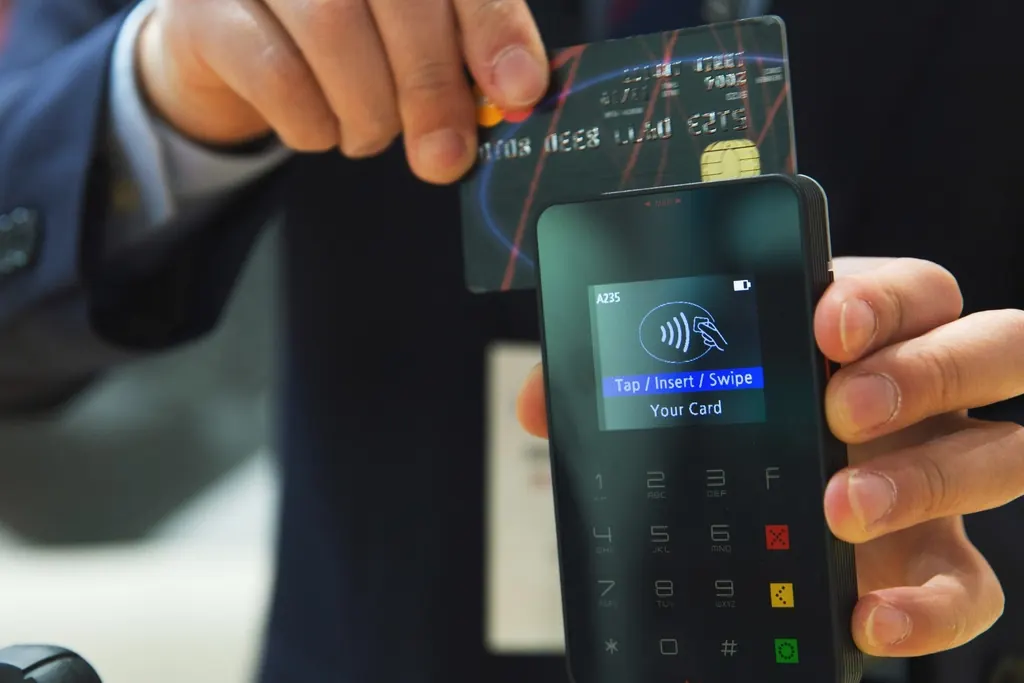
When a customer pays online, the money doesn't go to KwikEat first: it goes through Stripe straight to your restaurant's own Stripe account, and Stripe pays it out to your bank account. KwikEat's commission is kept automatically per payment; it is on your monthly invoice for your books, not to pay again.
How it works
Set it up
You create your Stripe account in KwikEat Merchant. Stripe asks what a payment provider needs by law: your business, an identity document and your bank account.
The customer pays
The customer pays online when ordering. The payment is on your Stripe account; the order shows as paid on your order board.
Payout
Stripe pays the balance out to your bank account. You see the payments and payouts in your own Stripe Dashboard.
One monthly invoice
Your subscription, any add-ons and last month's commission, already kept, are on one invoice from KwikEat, with the right VAT.
Payment methods
- iDEALNetherlands
- BancontactBelgium
- Credit and debit cardsVisa, Mastercard and more
- Apple Pay and Google Payon phone and computer
What it costs
Start
€0 a month
+ 5% per online payment
3.5% with paid KwikEat Desktop
- No monthly price: you only pay when you sell online
- The cheapest up to about €1,475 online turnover a month
- For starting to sell online
Pro
€59 a month
+ 1% per online payment
- A low commission of 1%
- Cheaper than Start from €1,475 online turnover a month (€2,360 with KwikEat Desktop)
- For a steady online turnover
Unlimited
€119 a month
+ 0% per online payment
- No commission: one fixed price a month
- Cheaper than Pro from €6,000 online turnover a month
- For restaurants with a lot of online orders
Excluding VAT. Stripe's own fees are paid by the restaurant directly to Stripe, as on Stripe's price list. All prices and add-ons
Questions about online payments
How do online payments work?
Online payments go through Stripe, straight to the restaurant's own Stripe account: iDEAL in the Netherlands, Bancontact in Belgium, cards, Apple Pay and Google Pay. Stripe pays the money out to your bank account; KwikEat's commission is kept automatically per payment.
Can I refund an online order?
Yes: cancel an order paid online in KwikEat Merchant and what was paid goes back to the customer through Stripe, with KwikEat's commission on it in proportion. The cancellation keeps its reason and stays in the order journal.
Who pays the payment fees?
The restaurant pays Stripe's fees directly to Stripe, on top of KwikEat's commission. KwikEat's commission is not a payment fee: it is the price of KwikEat Online Start and Pro.